01
Put it where guests see it
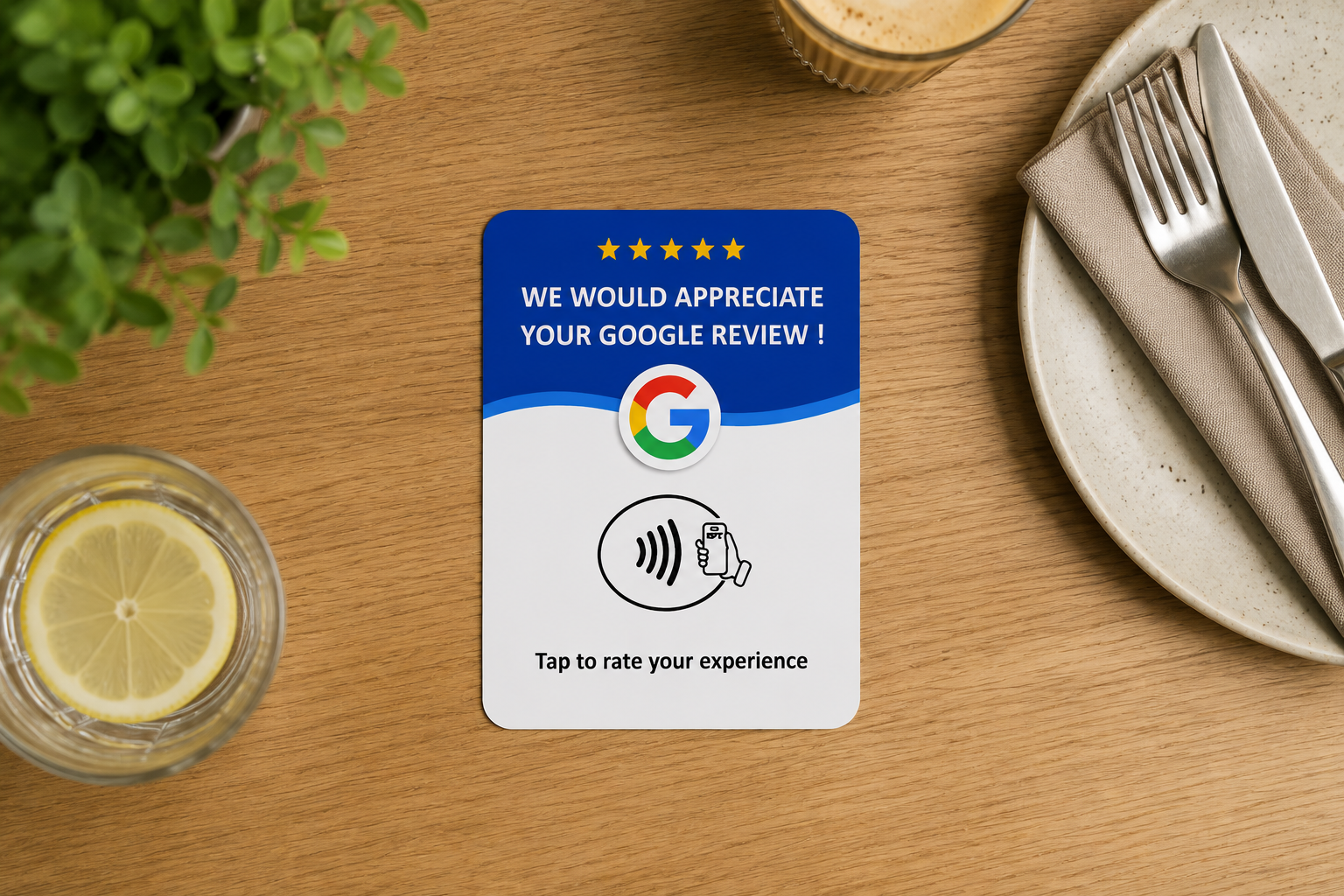
Tables, counters, bars, reception desks, payment areas or takeaway collection points. Anywhere the experience ends.
How it works
One standard card. One tap to review. Zero apps to install.
Tables, counters, bars, reception desks, payment areas or takeaway collection points. Anywhere the experience ends.
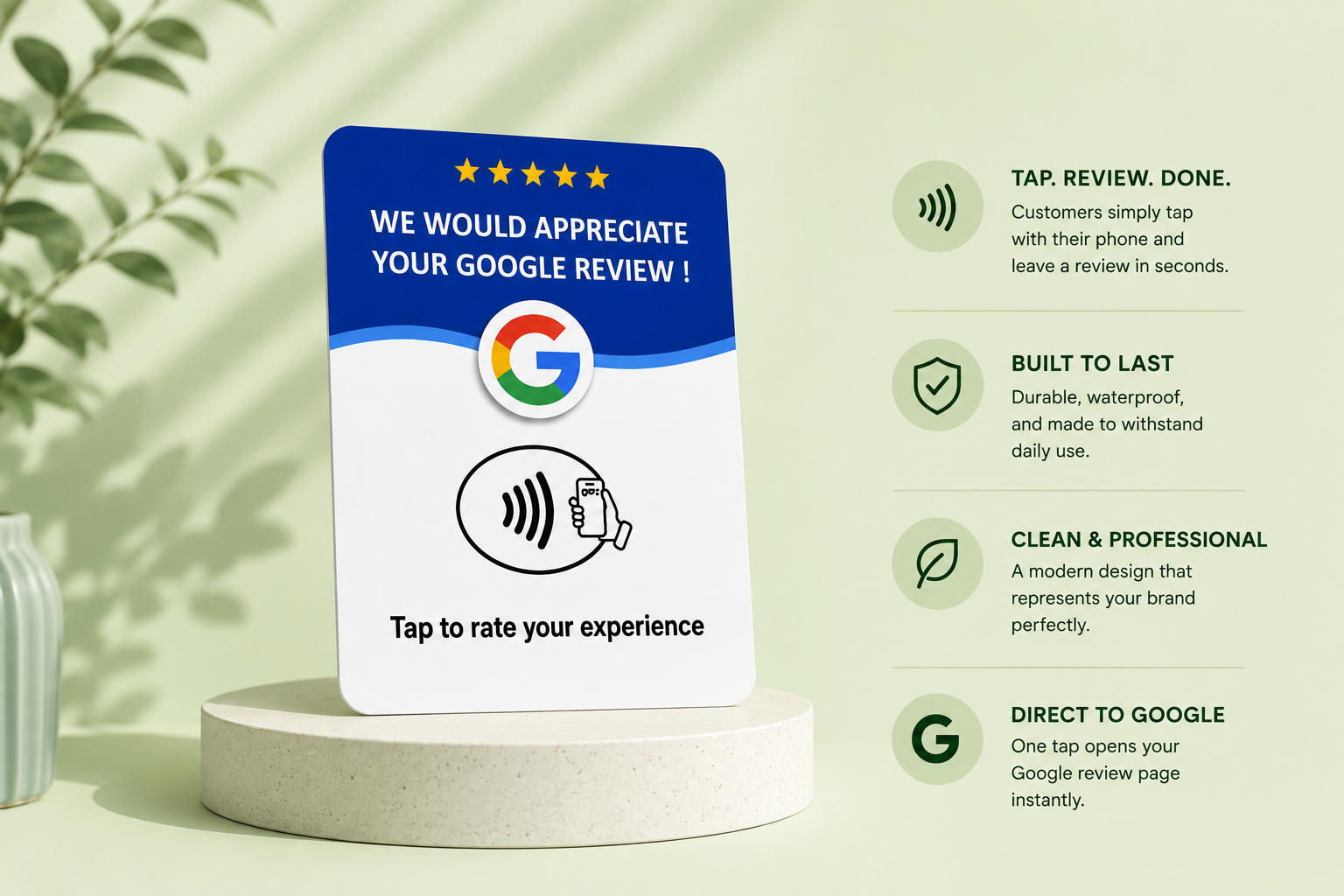
A guest holds their phone near the card and the review destination opens right away. Nothing to type, nothing to install.
Guests land on your Google review page and can leave genuine feedback in seconds. No app, no sign-up from you.
NFC tap
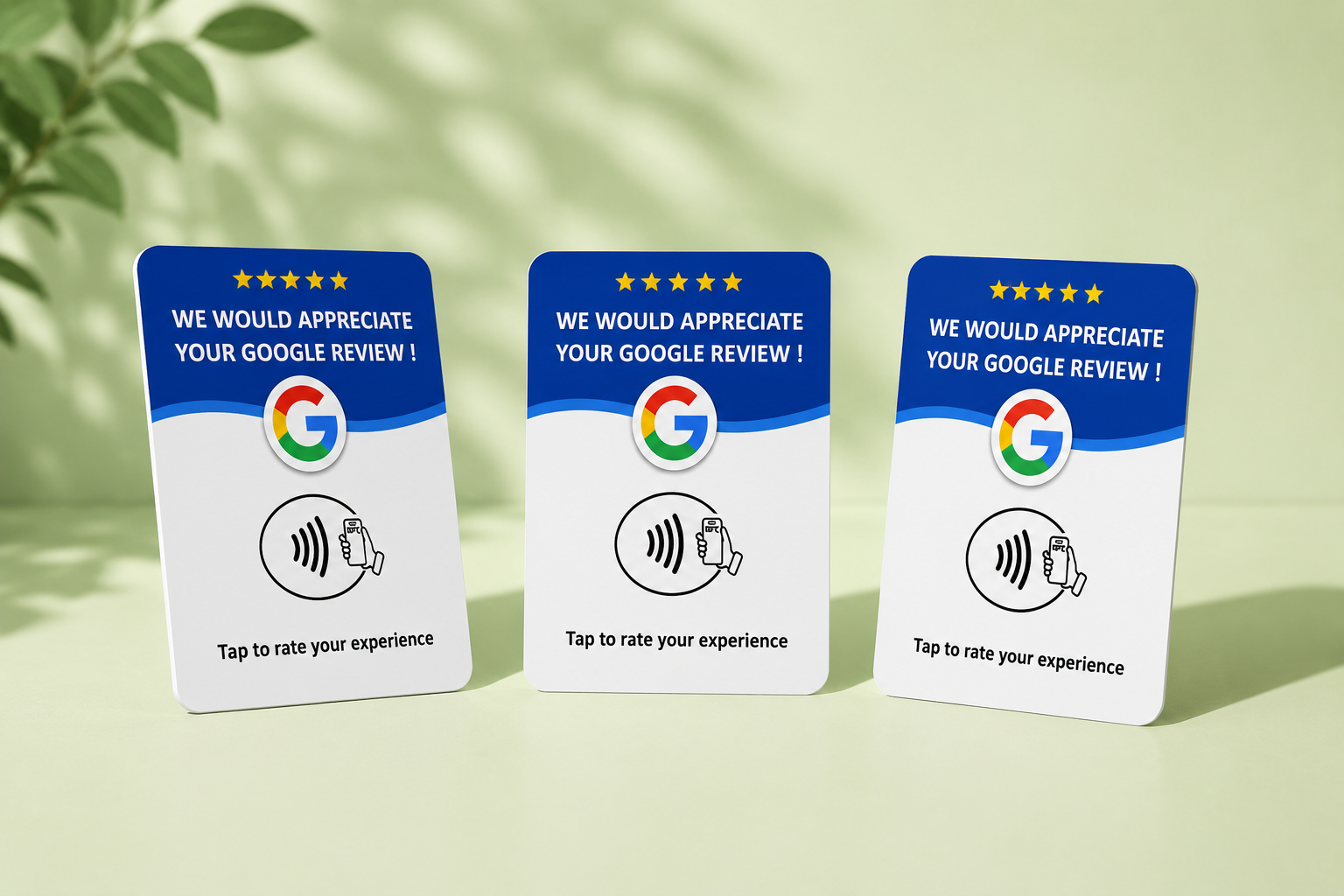
Every Revvo Tap Card is the same standard design, so there is nothing to configure on the table.
Review us
on Google
Revvo Tap
Setup
You don't need to know what an NFC chip is. We set the card up so it points to your Google review page before it reaches you.
You order and give us your business name
We program the NFC chip
Your cards arrive ready to use
You don't need to find your Google review link. Give us your business name and we'll find it, program the cards and check the tap works before they reach you.